Many OpenSea users rely on MetaMask to buy their NFT. This is a crypto wallet that lets you purchase your tokens quickly.
Installing MetaMask on your browser is the first step in buying your NFTs:
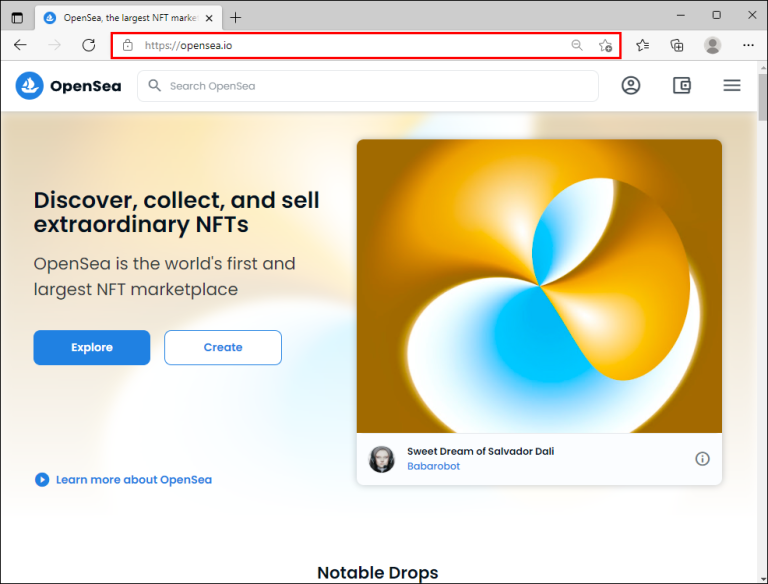
1. Head to this website and press the profile symbol in the upper-right corner of the screen.
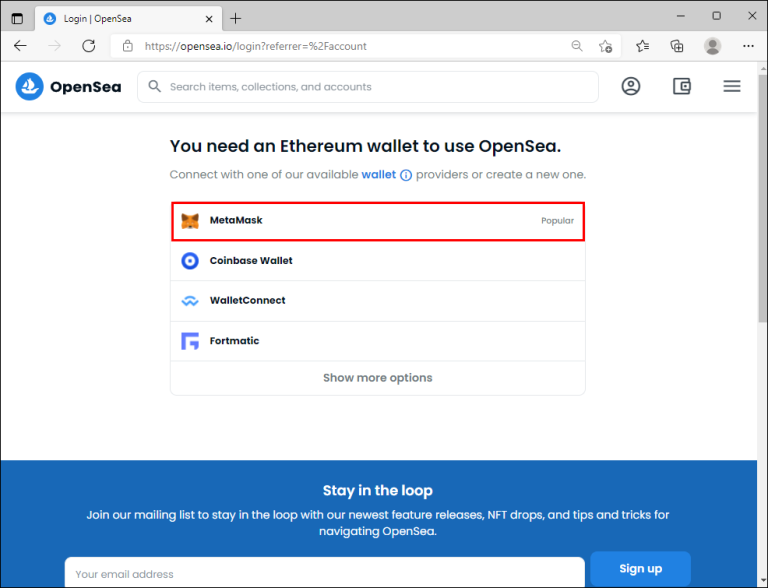
2. Choose “My Profile” and click the “Get MetaMask” button. Then download the extension for your browser.
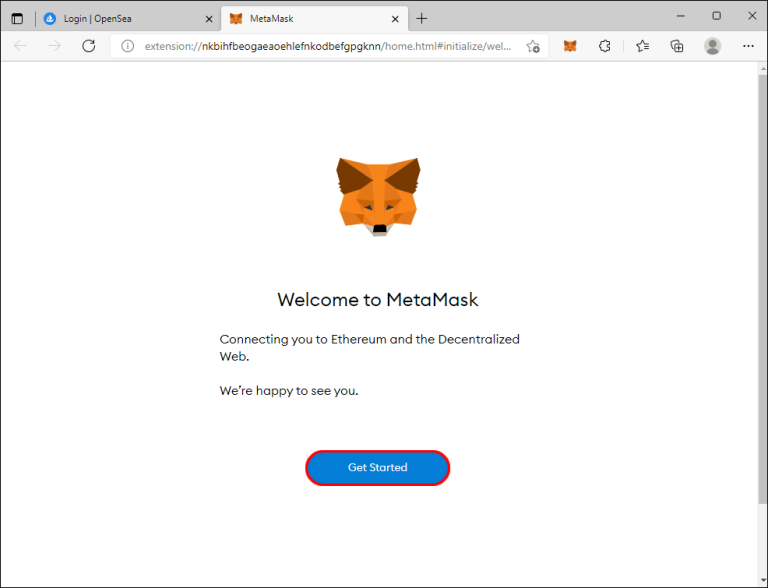
3. Click “Install MetaMask.” Then wait for the installation to complete and look for the “Welcome to MetaMask” page. Press the “Get Started” button.
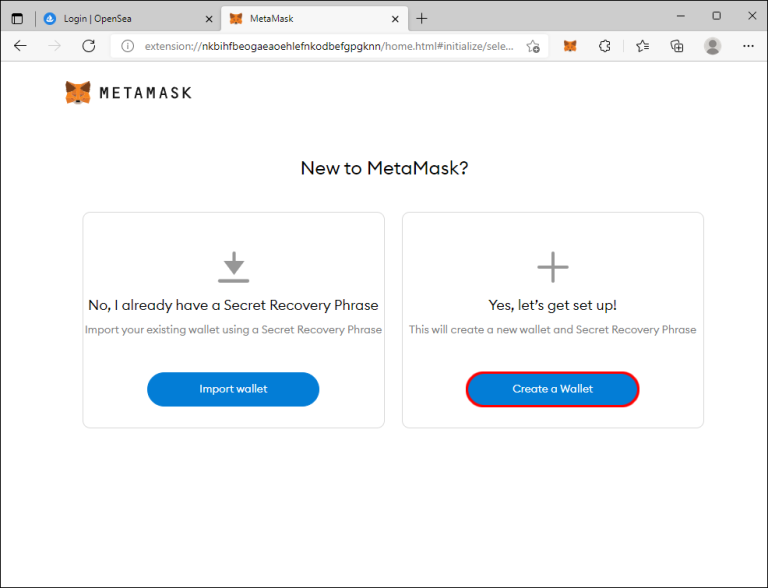
4. Pick “Create a Wallet” and set up your password. We suggest that you write down or take a picture of your password, as it serves as backup access to the account, so make sure you don’t lose it.
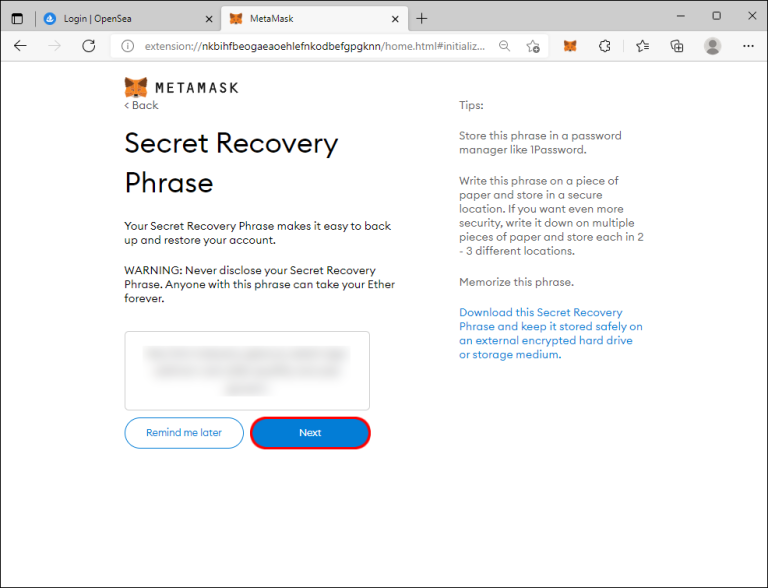
5. Press “Next” and then choose a secret recovery phrase.
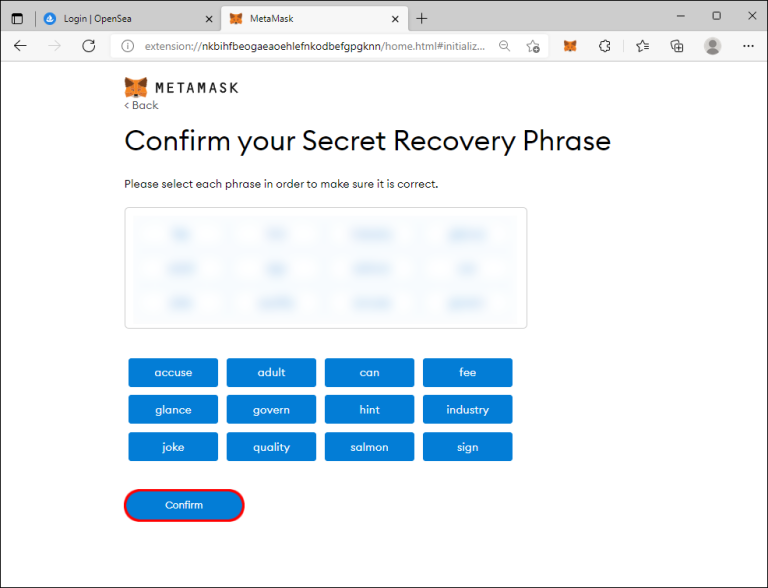
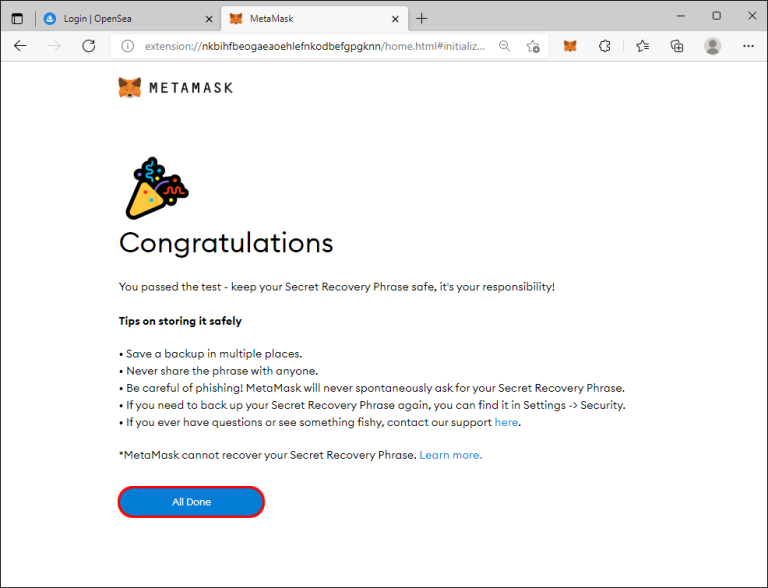
6. Tap the “Confirm” button after confirming the phrase by rearranging the words. Doing this should bring you to the “Congratulations” window.
7. Click the “All Done” button and hit “X” if MetaMask presents a window asking to swap your tokens.
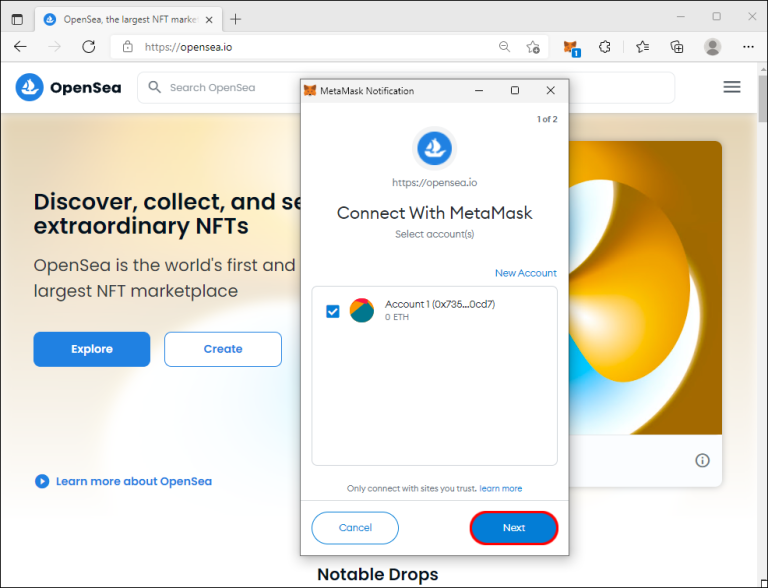
8. Select “Next” to link your MetaMask Wallet to the appropriate OpenSea account.
The next step is to deposit or buy Ethereum and send it to your MetaMask.
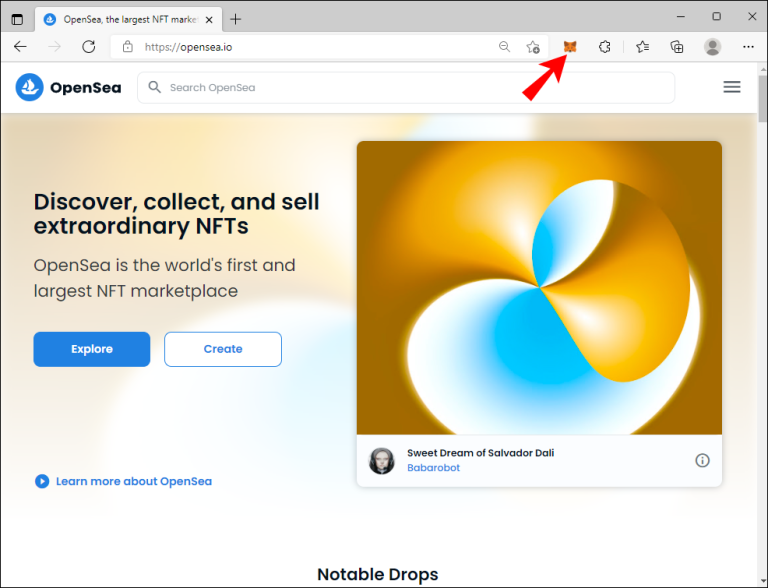
1. Open your browser and press the MetaMask symbol in the upper-right part of your display.
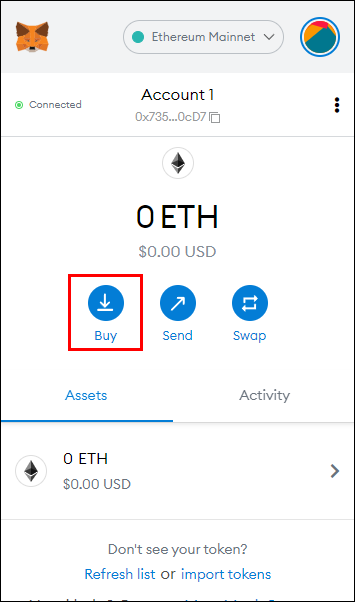
2. Choose “Directly Deposit Ether” if you have ETH in your Coinbase Wallet or any other wallets. Otherwise, select “Buy.”
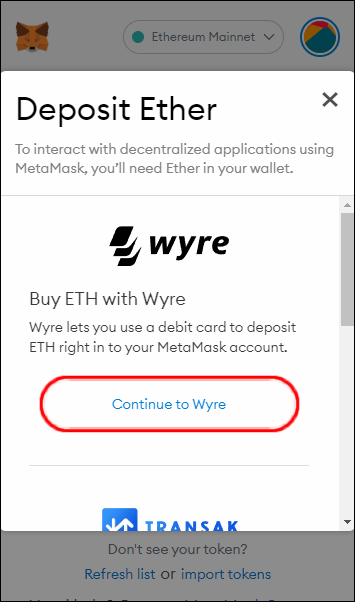
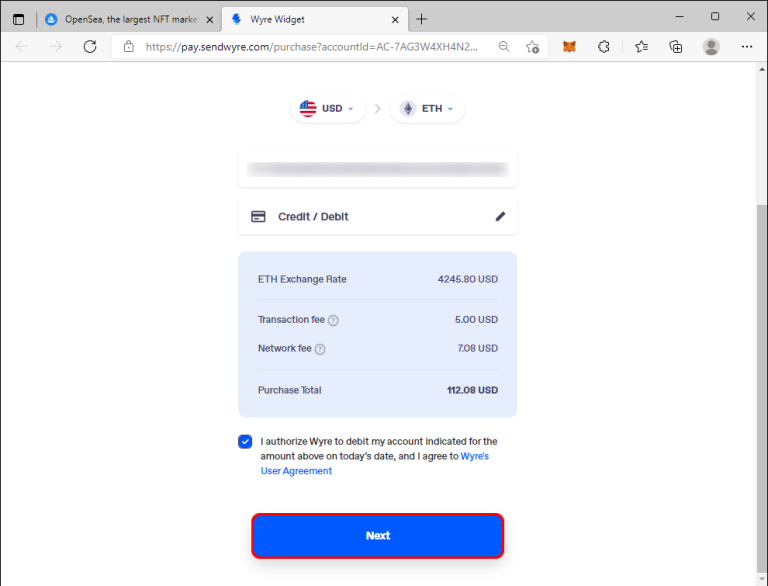
3. Hit the “Continue to Wyre” button and specify the amount of ETH you wish to buy. Keep in mind you’ll need to pay a transaction and network fee with each purchase. Therefore, try to buy a large number of ETHs to avoid extra fees.
4. Pick your preferred payment method and press the “Next” button.
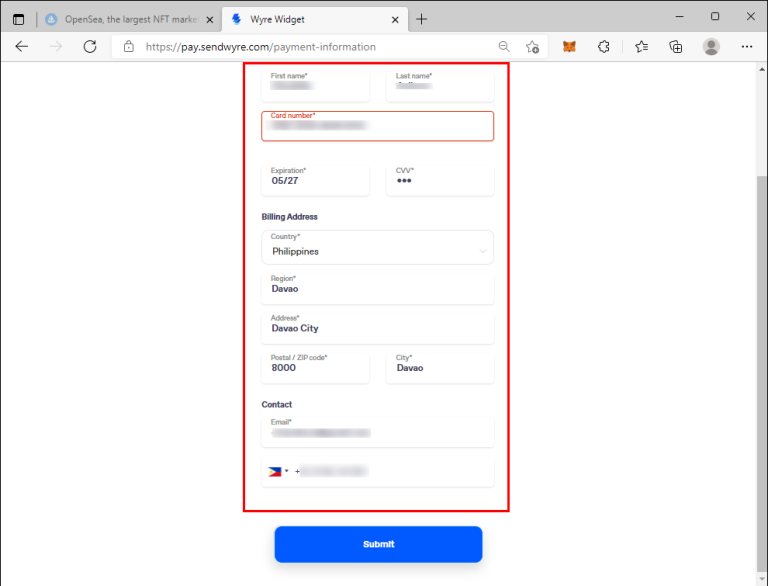
5. Enter your payment information and phone number.
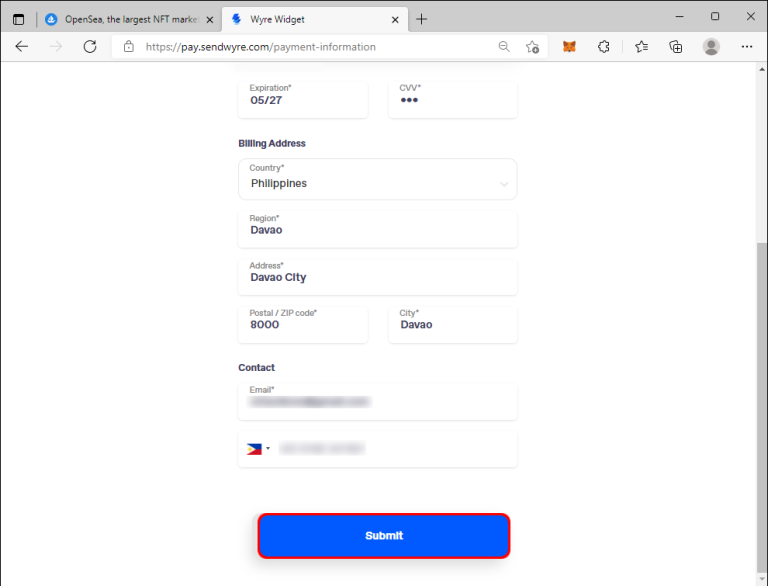
6. Click on “Submit” and then enter your payment authentication code. Which should have been sent to your phone.
7. Finally, authorize your purchase by entering the correct six-digit code for the pending Wyre transfer in your account.
8. Now you just have to wait for your MetaMask wallet balance to update, which should happen within a couple of minutes.